Appearance
☁️ Data Export & Cloud Sync
You own your recovery data. MRT provides multiple ways to ensure you never lose it, even if you lose your phone, or completely remove it if you wish to leave.
1. Google Drive Auto-Sync
If you created your account using Google Sign-In, MRT can automatically back up your data.
- Ensure your Vault is unlocked.
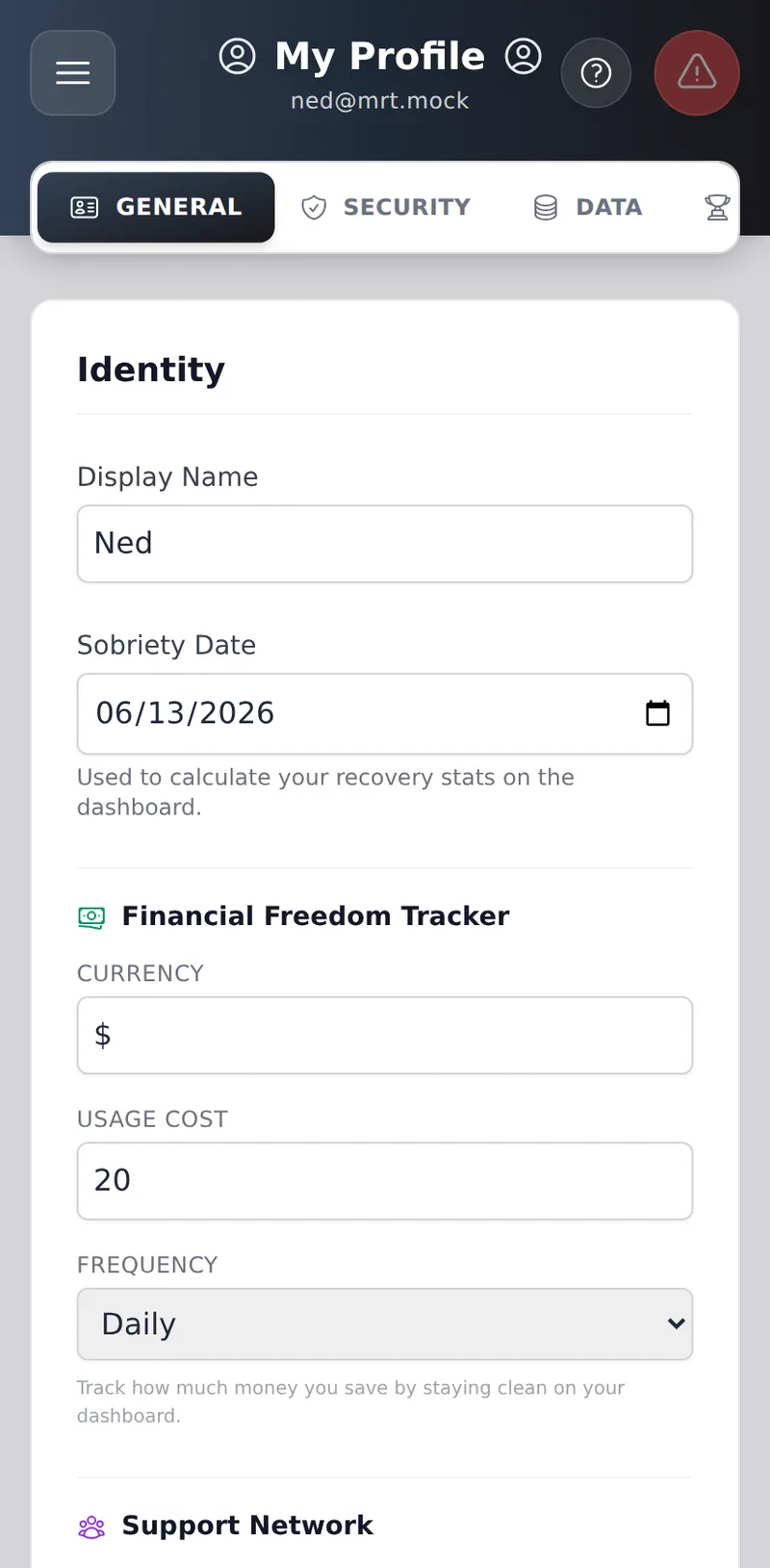
- Navigate to the Profile -> Data tab to verify your sync status.
- Every 7 days, the app will silently compile a JSON backup of your data and save it to your personal Google Drive in the background.
- Note: This backup is unencrypted so you can always read it outside the app even if you lose your PIN.
2. Manual Export
You can manually export your data at any time from the Profile -> Data tab.
- JSON Backup: A raw data file containing your entire history, including your Recovery Games activity.
- PDF Document: A beautifully formatted, readable document containing your Journals, Tasks, and Recovery Games history. Perfect for printing and bringing to a therapy session.
3. Import Legacy Data
If you have a JSON backup file, you can upload it in the Data tab to merge old entries into your current timeline.
4. Account Deletion (The Right to be Forgotten)
If you wish to permanently destroy your account and wipe all data from our servers, you can do so directly from the app.
- Navigate to Profile -> Data.
- Scroll down to the red Danger Zone and click Request Account Deletion.
- To protect against unauthorized deletion, the app will ask you to verify your password or re-verify with Google.
- Once verified, the app will cryptographically shred all of your journals, tasks, and settings before permanently deleting your account. This action cannot be undone.
Don't have the app open, or don't want to install it? You can also request deletion from any browser at myrecoverytoolkit.ca/delete-account — sign in with your email/password or Google account, confirm, and the same cryptographic shredding runs immediately. No need to open the app first.