Appearance
🧩 The Toolbox (SMART CBT)
Recovery is about interrupting automatic reactions with intentional logic. The Tools Hub contains interactive Cognitive Behavioral Therapy (CBT) exercises, adapted from evidence-based models like SMART Recovery and REBT.
Accessing the Tools
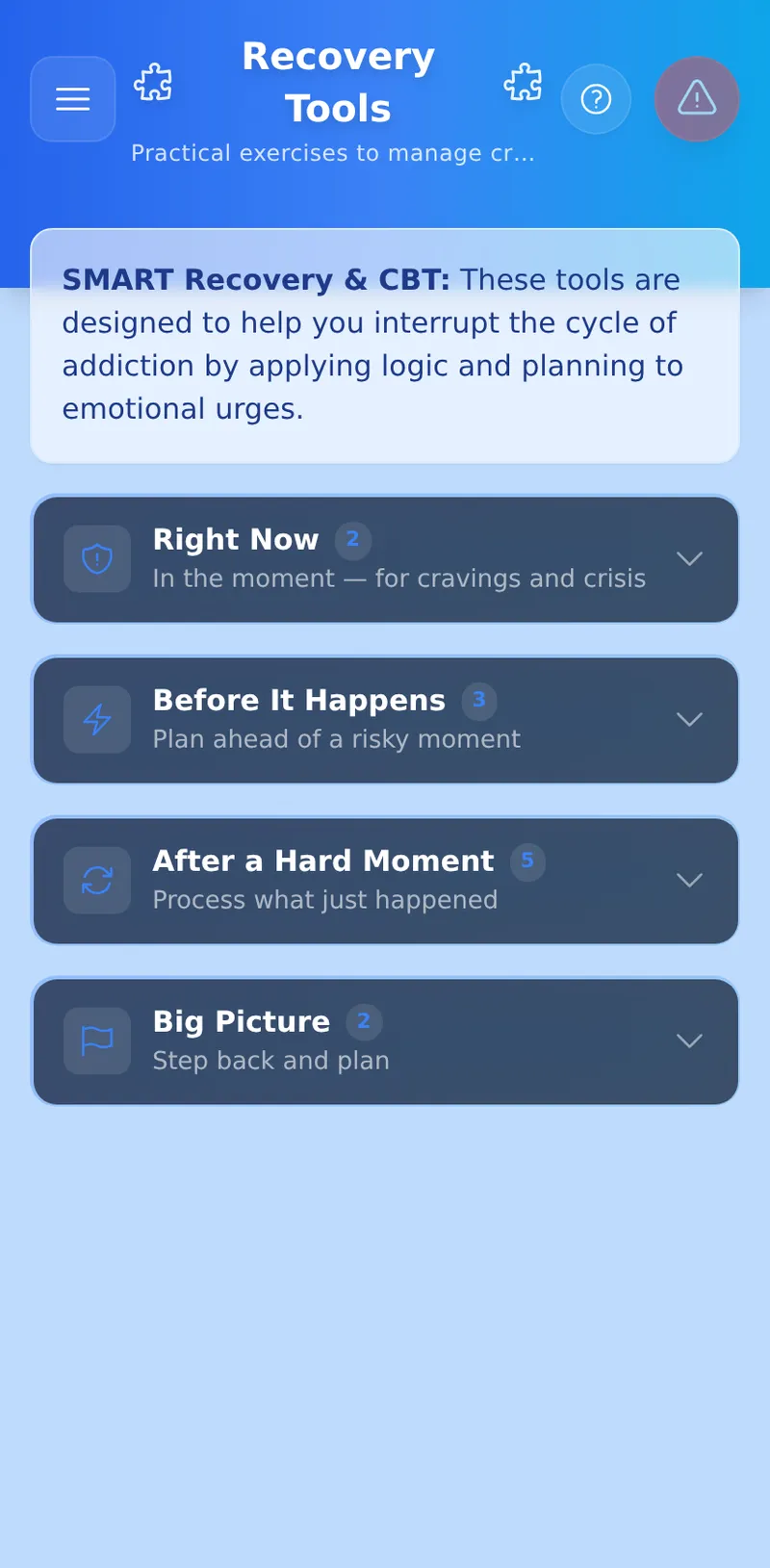
From the Dashboard, tap the Tools tile in the Bento Grid. This will open the Tools Hub, where each tool's card shows a time estimate, a "Best for" tag, and — once you've completed it at least once — how many times you've used it.
Tools are grouped into four sections based on when you'd reach for them:
- Right Now — Urge Surfer and The Resentment Burner, for cravings and crisis. Always open when you arrive, so these are never more than a tap away.
- Before It Happens — D.E.N.T.S. Strategy, Cost Benefit Analysis, and Morning Intent, for planning ahead of a risky moment.
- After a Hard Moment — ABC Coping, Personify & Disarm, Thought Record, Thought Challenge, and Five Questions, for processing what just happened.
- Big Picture — Lifestyle Balance and SMART Goal, for stepping back and planning.
The other three sections start collapsed — tap a section's header to open it.
Every guided tool (CBA, ABC, D.E.N.T.S., Thought Record, Five Questions, Morning Intent) offers up to three ways in:
- Start Fresh — always available. Opens the tool at Step 1 with a blank slate, even if you have an unfinished session sitting in the background.
- Resume — appears only when you have an in-progress session (from this browser tab, or a partial save from an earlier one) waiting to be picked back up.
- History — appears once you've completed the tool at least once. Opens a readable list of your past completions (not the raw entry) — tap any one to see the full answers.
🔥 The Resentment Burner
When to use it: When you are experiencing acute anger, resentment, or a toxic thought loop that you need to physically release.
This tool is a completely ephemeral safe space. Type your resentment onto the physical notebook paper. When you click "Burn", a hardware-accelerated combustion engine literally burns the paper and text into ash.
- Zero Traces: This tool explicitly bypasses the Vault. No data is ever synced, saved, or stored. Once it burns, it is permanently wiped from your device's memory.
⚖️ Cost Benefit Analysis (CBA)
When to use it: When you are experiencing a strong urge to relapse and your brain is telling you "it won't be that bad."
The CBA tool helps you see the big picture by forcing you to list out the short-term and long-term consequences of your actions.
🔄 ABC Coping Tool
When to use it: When you are feeling overwhelming anxiety, anger, or resentment and you don't know why.
The ABC model teaches us that events don't cause our feelings; our beliefs about the events cause our feelings. This tool guides you through a sequential flow to challenge those beliefs.
🛡️ D.E.N.T.S. Strategy Tool
When to use it: When you know a challenging situation is coming.
This is a pre-planning safety tool. Start by naming the specific high-risk situation you're planning for (a wedding, a stressful family gathering) — the five D.E.N.T.S. prompts (Deny, Escape, Neutralize, Tasks, Swap) are then worded to reference that exact situation, so your plan is concrete instead of generic.
☀️ Morning Intent
When to use it: At the start of your day, to get ahead of whatever challenges it might bring.
Instead of examining something that already happened, this tool looks forward: name today's likely terrain, the automatic story your mind might tell if things go badly, a more useful belief to replace it, and one small, concrete intention you can actually act on.
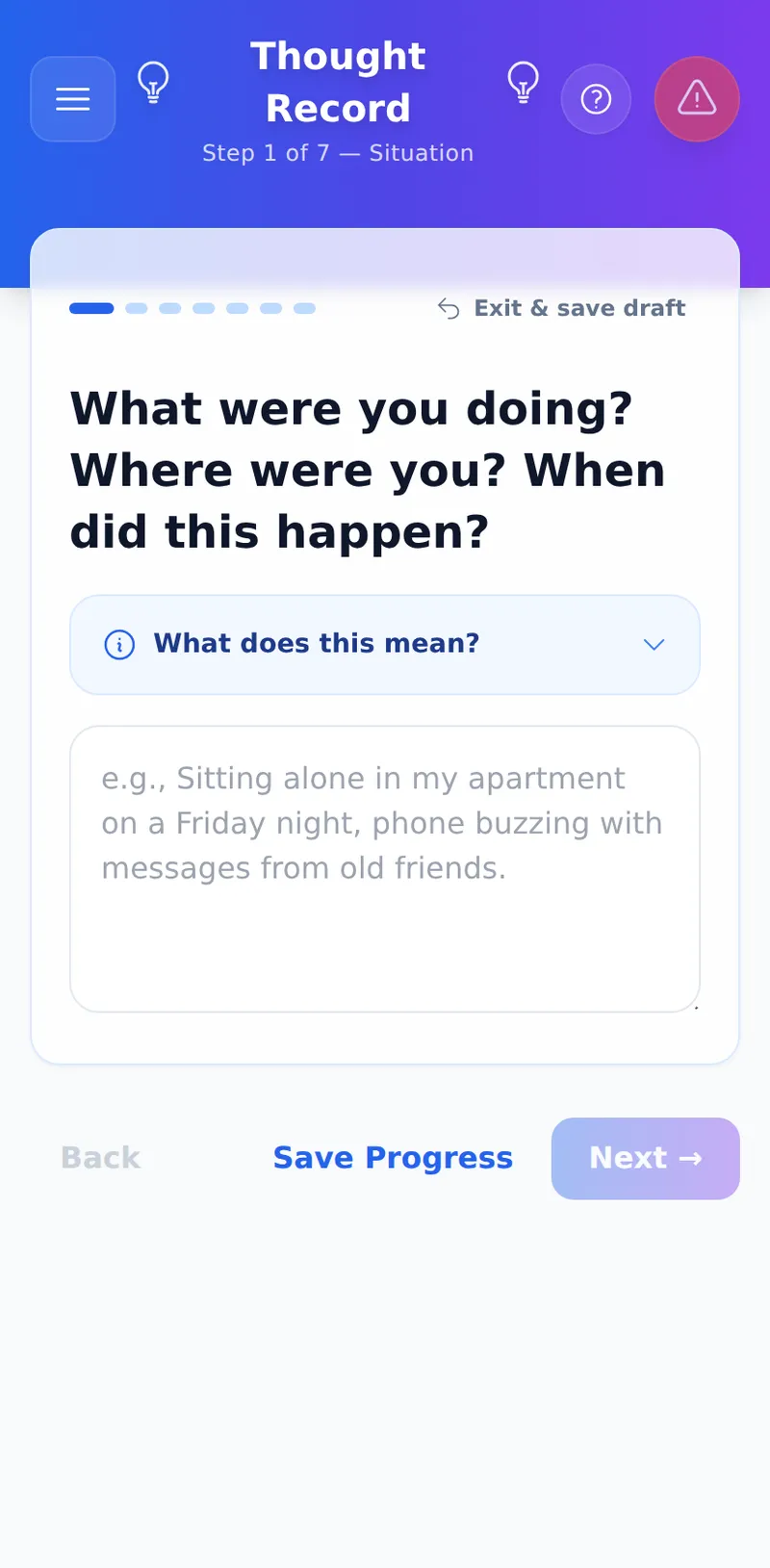
🧠 Thought Record
When to use it: When you want to understand and reframe a difficult moment.
The classic 7-column CBT thought record, guided one step at a time: what happened, the automatic thought it triggered, how strongly you felt it (rate 1-3 emotions 0-100%), the evidence for and against the thought, a more balanced thought, and — finally — a re-rating of those same emotions now that you've worked through it. The summary screen, "The Shift," shows exactly how much each emotion moved.
💭 Thought Challenge
When to use it: For sponsors and service workers processing burnout.
A short CBT-style matching game rather than a guided worksheet: read a short thought, pick which unhelpful thinking pattern it fits, and see it explained. When you finish, you can optionally write a brief reframe of your own — that note is saved to your encrypted history just like a journal entry. It doesn't have the Start Fresh / Resume / History entry points above since it's a self-contained session — see the My Recovery Games guide for the rest of that family.
❓ Five Questions
When to use it: When a recurring thought is keeping you stuck.
Byron Katie's method of self-enquiry, adapted for recovery. Name the specific thought you want to examine, then work through five guided questions: is it true, can you know that for certain, how you react when you believe it, who you'd be without it, and — last — a "turnaround" (the opposite thought), rated 1-5 stars for how true it feels.
🎭 Personify & Disarm
When to use it: When you notice a recurring, manipulative internal voice trying to convince you to abandon your recovery.
This tool uses Narrative Therapy to create emotional distance from addiction. Build a "Rogue's Gallery" of your addictive urges, record the lies they tell, and disarm them with the truth.
🎡 Lifestyle Balance (Wheel of Life)
When to use it: Weekly or monthly, to check in on your holistic recovery and prevent burnout.
Recovery isn't just about not using; it's about building a life. This tool asks you to rate your satisfaction across 6 categories (Physical, Mental, Relationships, Work, Spiritual, Leisure).
- The Flat Tire: The interactive radar chart will immediately show you the "shape" of your life. If your career is a 10 but your relationships are a 2, your wheel is lopsided. A bumpy ride creates stress, which makes you vulnerable to relapse.
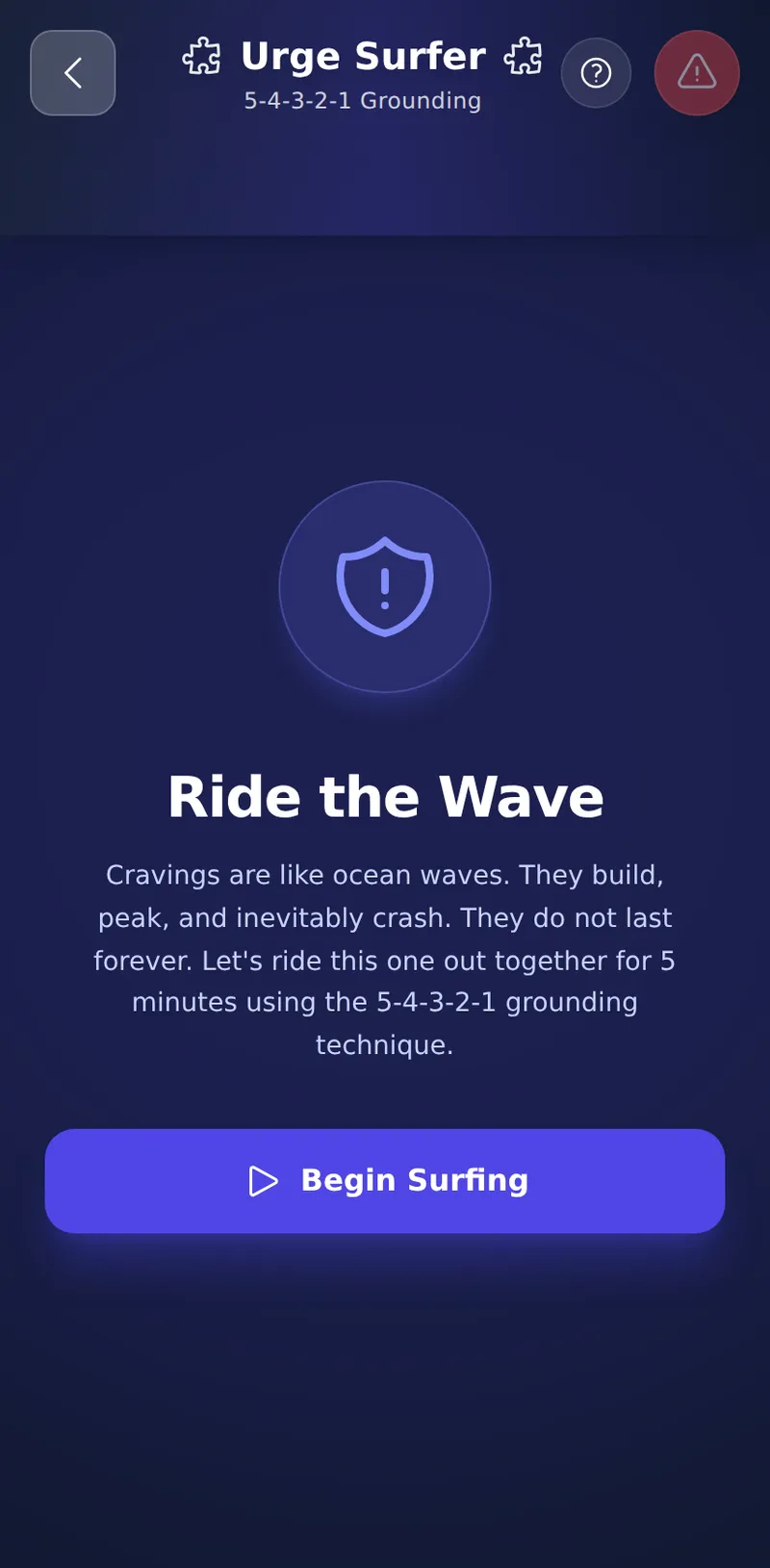
🌊 Urge Surfer
When to use it: When you are in acute crisis, panicking, or physically craving and cannot focus on writing.
A 5-minute interactive grounding timer that uses the 5-4-3-2-1 somatic method to help you regulate your nervous system.
🔒 Privacy & Saving
Guided tools quietly keep your in-progress answers on your own device as you work, so a refresh won't lose your place. Tap Save Progress (or Exit & save draft) at any point to securely encrypt and store that progress in your Journal — that's also what makes the Resume entry point appear later. The final screen's Save to Journal button is what marks a session complete.
Every save — draft or complete — is wrapped in Zero-Knowledge Encryption before it ever leaves your device. Personify and Lifestyle Balance will securely load your previous session automatically so you can update them over time.